How-To: Remove Token's Assignment
This guide shows how to disconnect a User Access Token from its model, in the Lattica Console or with the Python SDK. The token is kept, unassigned, so you can assign it to another model later.
Before you start
An unassigned token can't be used for queries until you assign it to a model again.
Removing the assignment also removes the token's evaluation key. Before querying again, a new key is needed.
The assignment can't be removed while a worker is running on the model. Stop the worker first.
Remove the assignment
- Console
- Python SDK
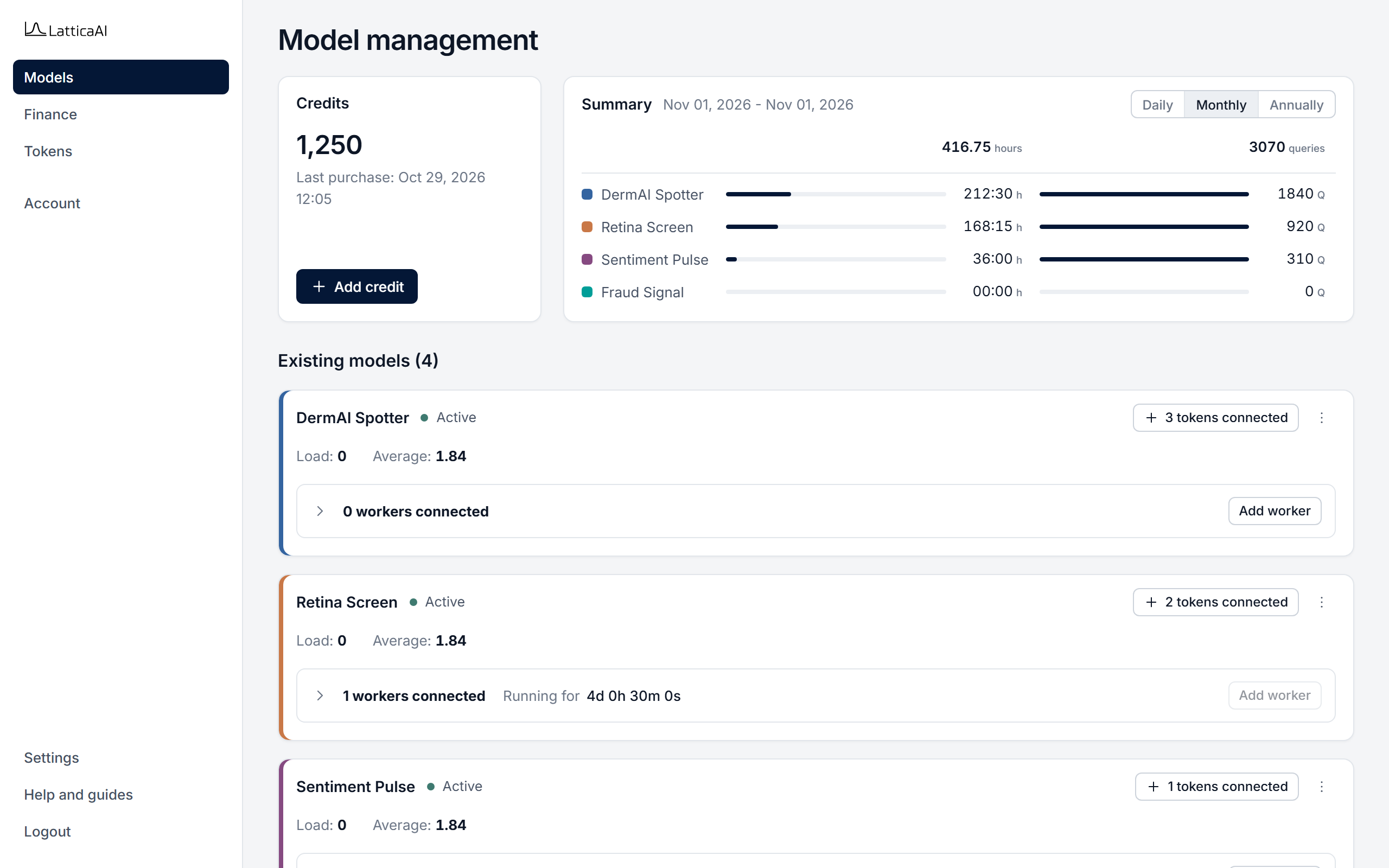
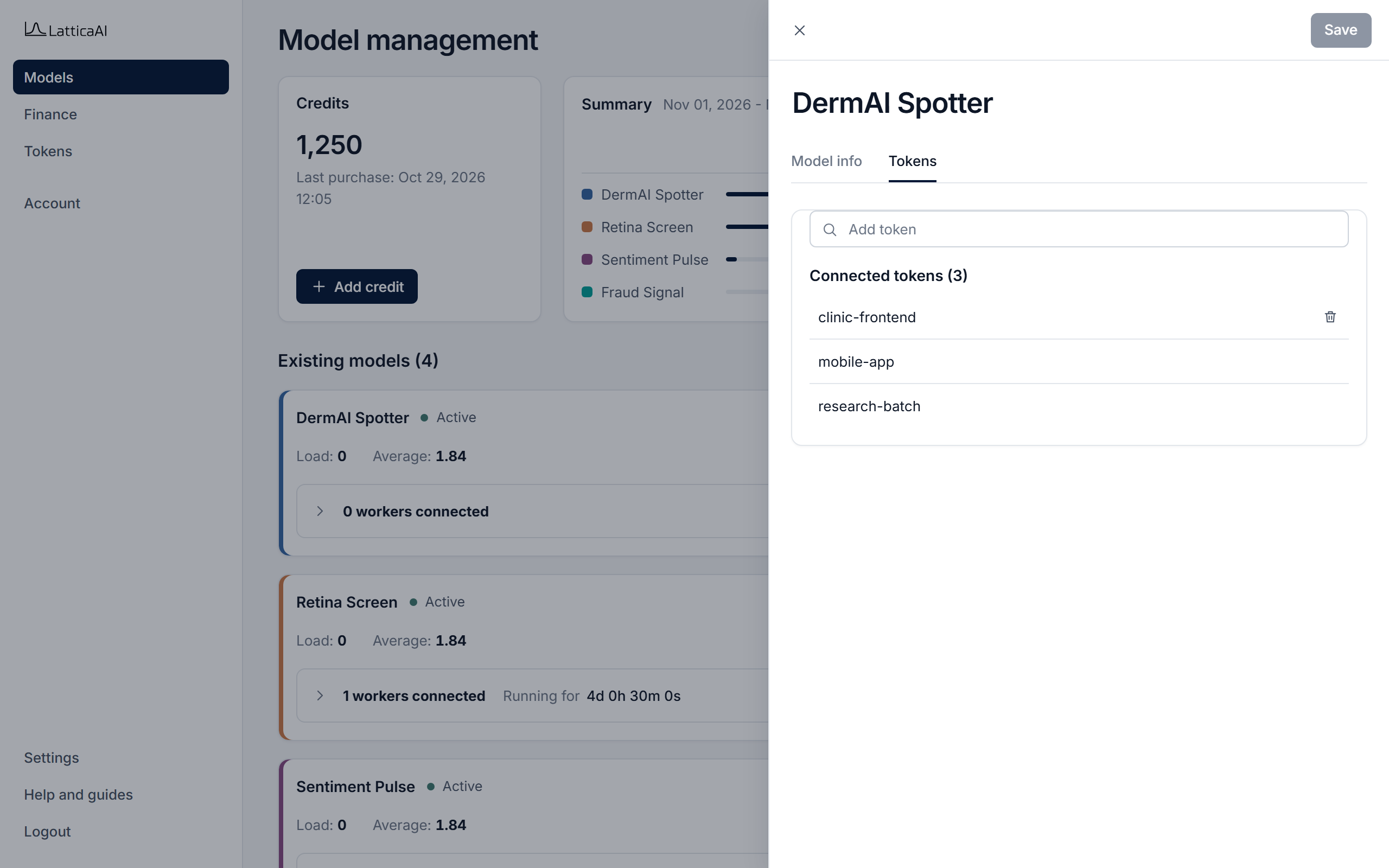
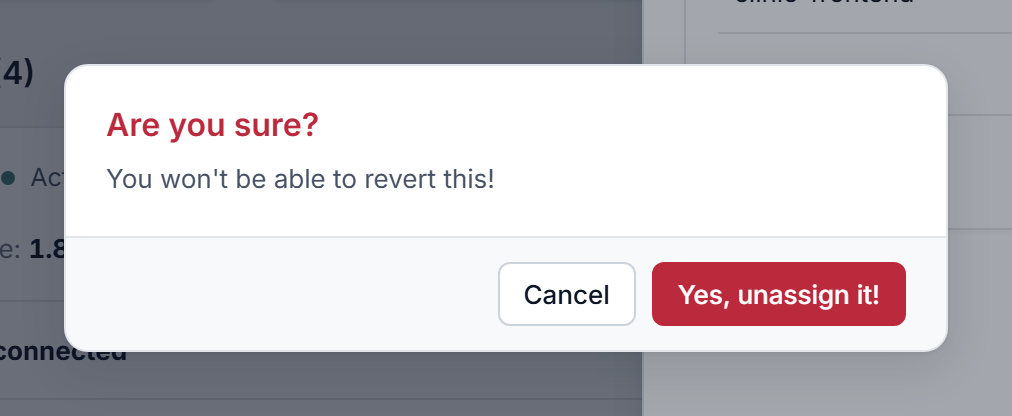
In the Console, select Models in the left menu.
You can also unassign from the Tokens page: open the token's ⋯ menu, choose Edit, set Model permission to Select model, and click Save.
Remove the assignment with studio.tokens.unassign. Pass the token's current model. The result includes a warning that the token needs a new evaluation key.
import os

from lattica_studio import LatticaStudio

studio = LatticaStudio(os.environ["LATTICA_LICENSE_KEY"])

token = next(t for t in studio.tokens.list() if t.name == "clinic-frontend")

result = studio.tokens.unassign(token.id, token.model_id)
print(result["message"])
if result.get("warning"):
    print("Warning:", result["warning"])