How-To: Start Worker
A worker is the compute that runs your model on encrypted queries. This guide shows how to start one in the Lattica Console or with the Python SDK.
Before you start
A worker uses credits for as long as it runs, even when it's idle. Check your balance, and add credit if it's low. If your credits run out, the worker is stopped automatically. You can start it again as soon as you add credit.
A model runs one worker at a time. While its worker is running, Add worker stays disabled. You can run workers for several models at once.
Billing is by runtime, so stop the worker as soon as you've finished querying.
Start a worker
- Console
- Python SDK
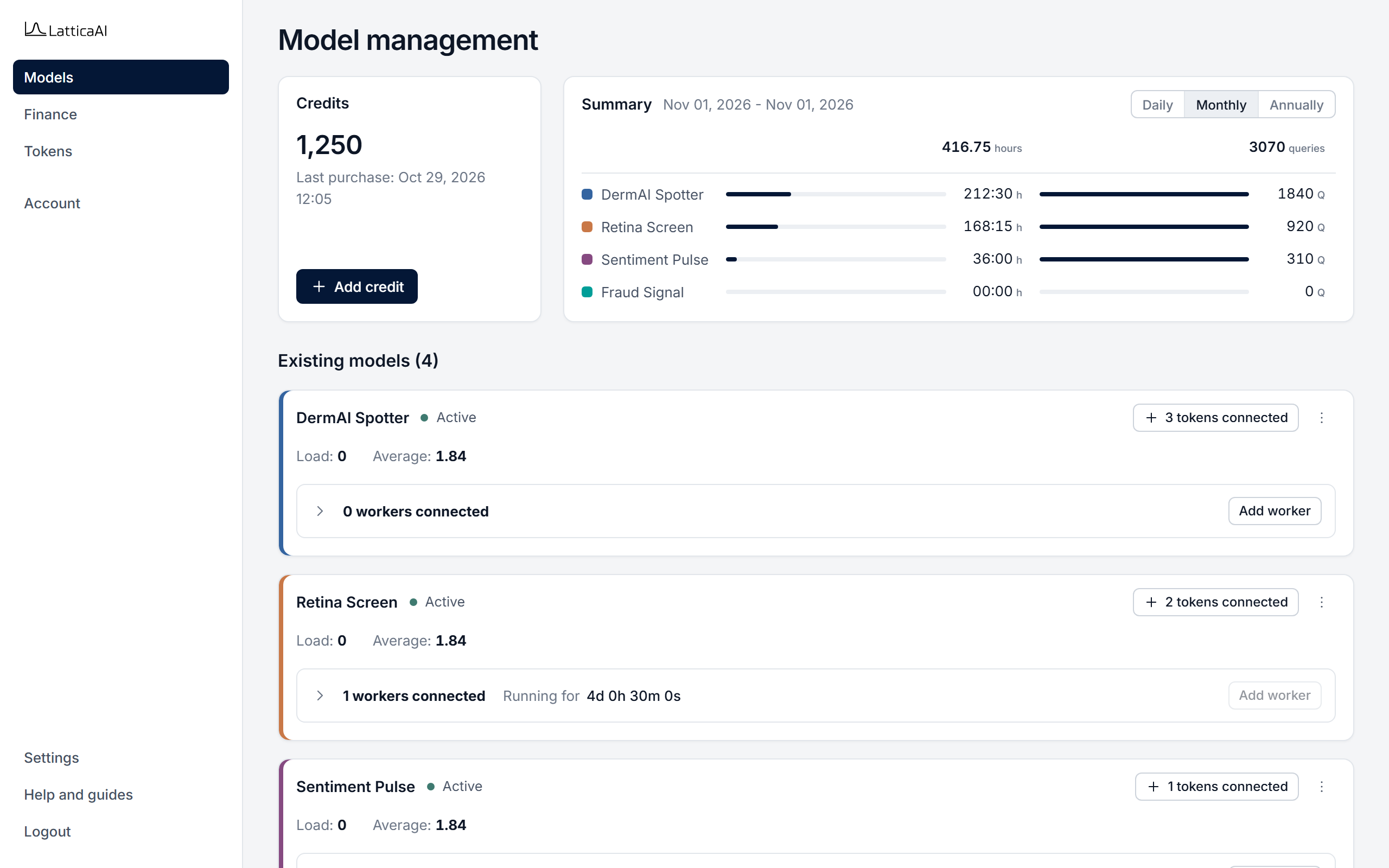
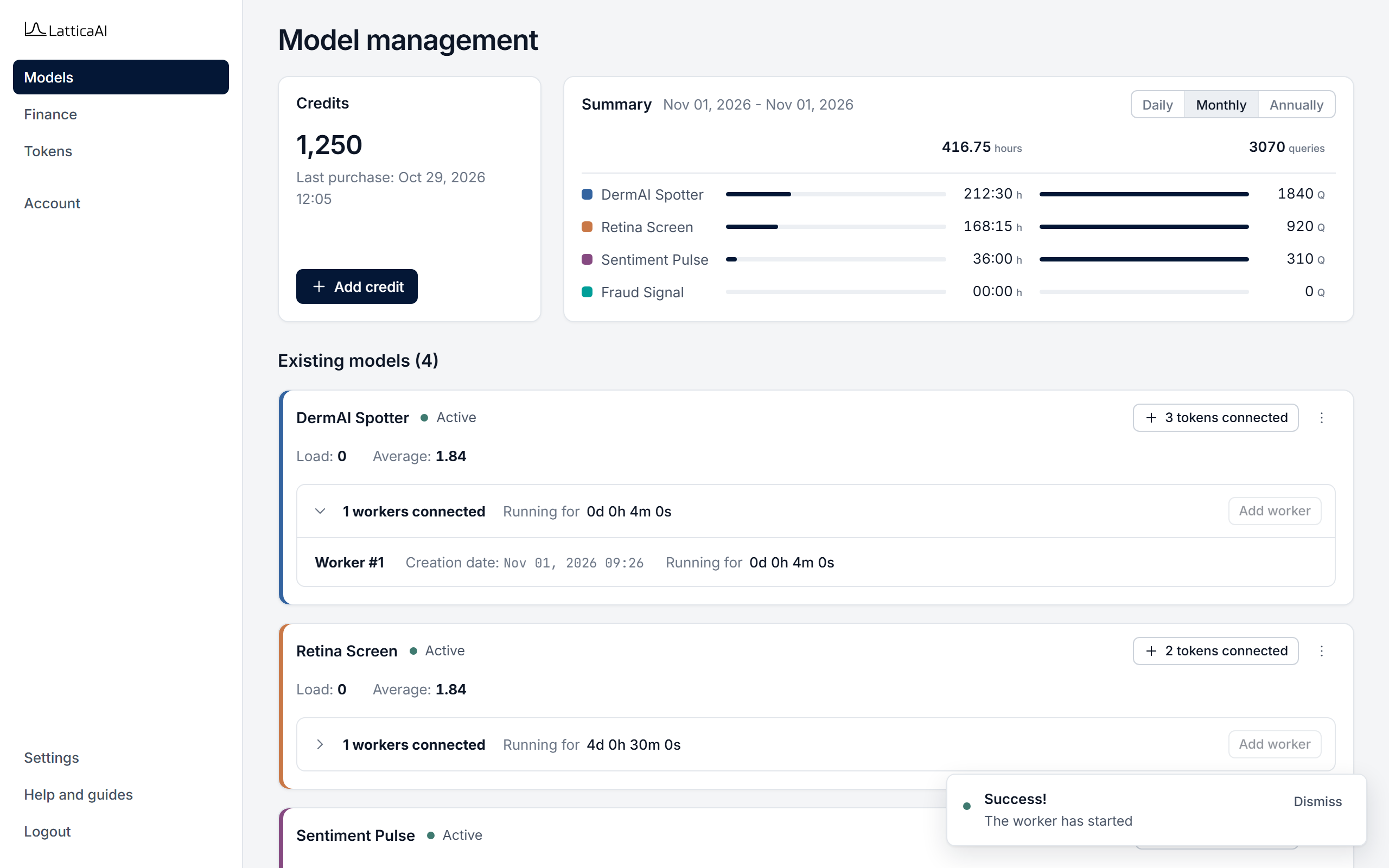
In the Console, select Models in the left menu. Each model has a card.
Start a worker with studio.workers.start. The call waits until the worker is ready for queries and returns it. If the worker doesn't become ready in time, the call stops it and raises WorkerStartupTimeoutError.
import os

from lattica_studio import LatticaStudio

studio = LatticaStudio(os.environ["LATTICA_LICENSE_KEY"])
model = studio.models.get_by_name("DermAI Spotter")

worker = studio.workers.start(model.id)
print(f"Worker {worker.session_id} is ready: {worker.is_ready}")
To make sure the worker stops when you're done, use studio.workers.running instead. It reuses a ready worker or starts one, and with stop_on_exit=True it stops the worker when the block ends, even after an error.
with studio.workers.running(model.id, stop_on_exit=True) as worker:
    ...  # run your encrypted queries here
The worker is ready. Next, run an encrypted query, and stop the worker when you're done.
Next
- Run an Encrypted Query against the model.
- Stop Worker when you've finished, so it stops using credits.