How-To: Stop Worker
This guide shows how to stop a model's worker in the Lattica Console or with the Python SDK. A stopped worker no longer uses credits.
Before you start
A running worker uses credits even when it's idle. Stop it when you've finished querying. See Monitor Usage to compare hours with queries. A worker is also stopped automatically when your credits run out.
Once the worker is stopped, the model can't process queries until you start a worker again.
Changing a model's status, or a token's model, isn't possible while a worker is running on it. Stop the worker first.
Stop a worker
- Console
- Python SDK
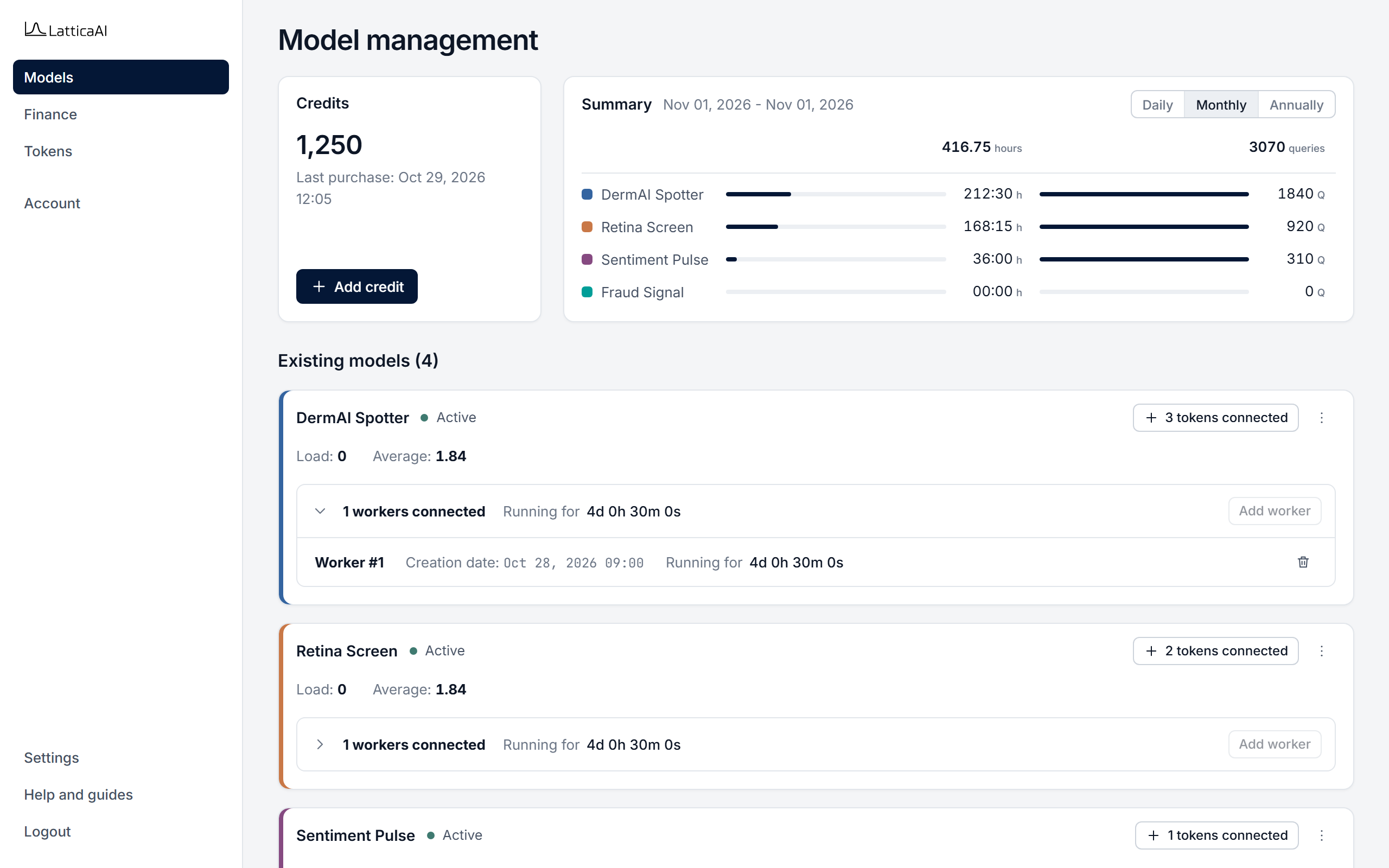
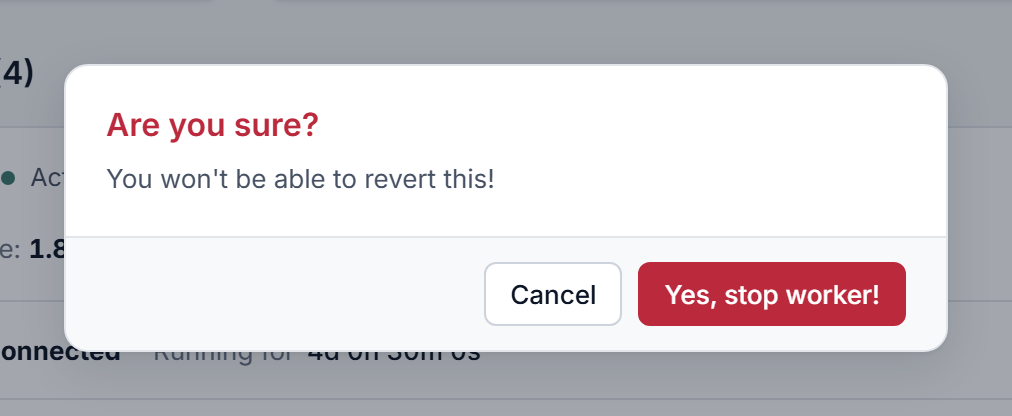
In the Console, select Models in the left menu.
Find the model's running worker with studio.workers.active, then stop it with studio.workers.stop.
import os

from lattica_studio import LatticaStudio

studio = LatticaStudio(os.environ["LATTICA_LICENSE_KEY"])
model = studio.models.get_by_name("DermAI Spotter")

for worker in studio.workers.active(model.id):
    stopped = studio.workers.stop(model_id=model.id, session_id=worker.session_id)
    print(f"Worker {stopped.session_id}: {stopped.status}")
Pass both model_id and session_id to stop one worker. If you pass only model_id, every worker of that model may be stopped. If you started the worker with studio.workers.running(..., stop_on_exit=True), it stops on its own when the block ends.